
The SaaS demo request page teardown: find the three leaks

Alex AndersonFounder, Cultre
- PublishedOct 28, 2026
- Read12 min
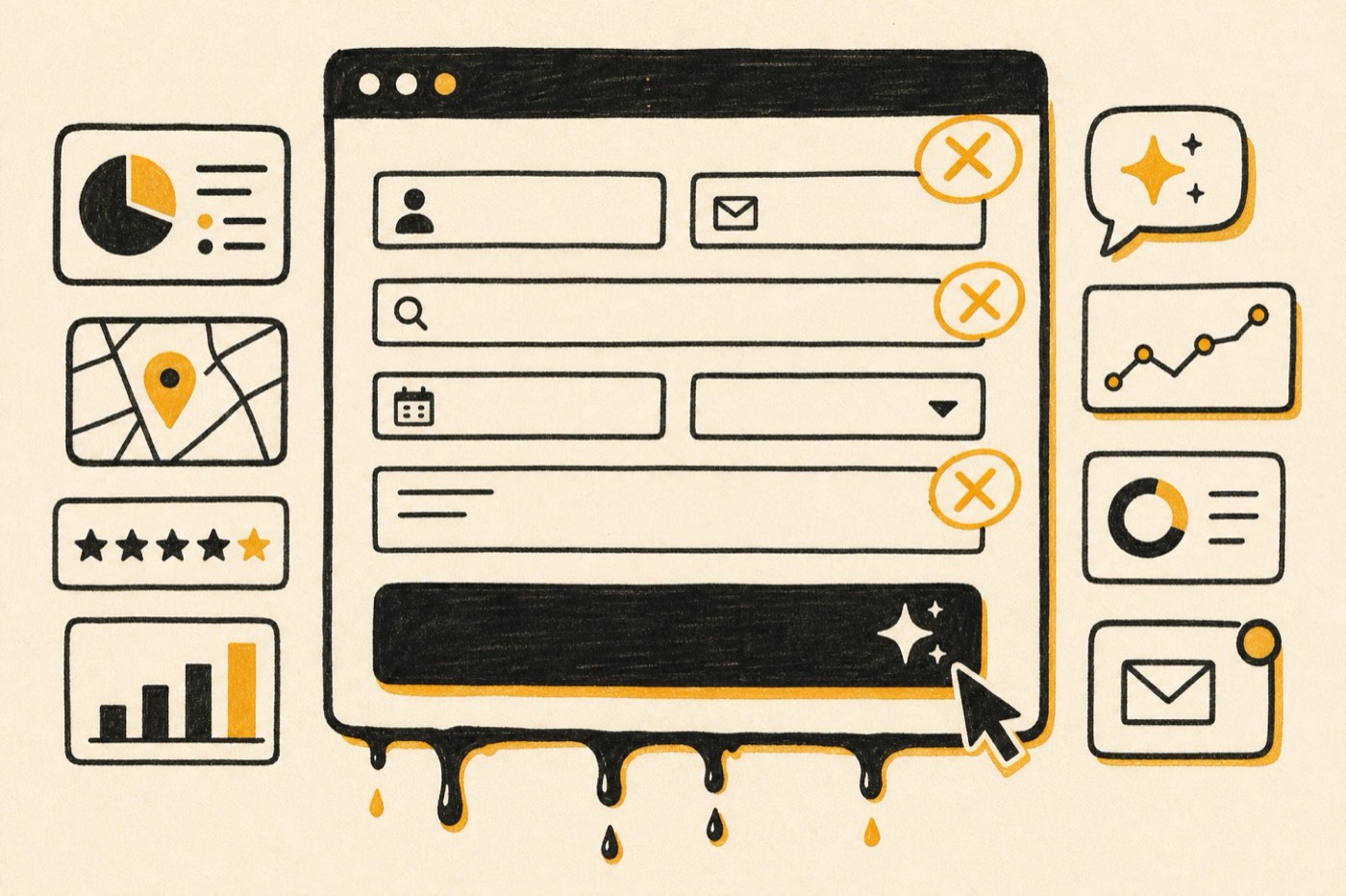
A SaaS demo request page converts when it removes three leaks: friction (anything that makes asking harder than it needs to be), doubt (any unanswered question about price, time, fit or risk) and dead ends (what happens after the click). Score your page against all three, fix the biggest leak first, and measure booked meetings, not form fills.
Why your demo page is probably leaking, not broken
I've sat in a lot of pipeline reviews where the founder pulls up the demo-request chart, it's flat, and the next sentence is "we need more traffic." Sometimes that's true. More often, the traffic is fine and the page is quietly losing the people who already decided they were interested.
I think about demo pages the way I think about the plumbing in an old house. When the water bill spikes, you don't tear out the walls. You follow the water. You look for the slow drip under the sink, the stain on the ceiling, the pipe that runs to nowhere. A demo page almost never fails all at once. It drips in three specific places.
That's the framework I use for every teardown, and it's the one I'll walk you through here: the three leaks.
| Leak | What it is | What it sounds like in the buyer's head |
|---|---|---|
| Friction | Effort the page adds between "I'm interested" and "I asked" | "Ugh, twelve fields. I'll do this later." |
| Doubt | Questions the page leaves unanswered at the moment of commitment | "Is this going to be a 60-minute sales ambush?" |
| Dead ends | What happens after the submit button, or when the buyer isn't ready yet | "I hit submit and... now what?" |
Fix them in that order of size, not in that order of the list. The scorecard further down tells you which one is gushing and which one is a slow drip.
Who this teardown is for
This is for the SaaS founder or one-person marketing team (Seed to Series B, usually) whose main conversion is "book a demo" or "talk to sales." Pure self-serve trials follow slightly different friction rules.
It assumes you already have traffic. If nobody's arriving, the page isn't your first problem. Start with where the traffic comes from, and if paid search is part of that, read my piece on Google Ads for B2B SaaS alongside this one, because the ad and the page are two halves of the same promise.
Leak 1: friction (the drip you can see)
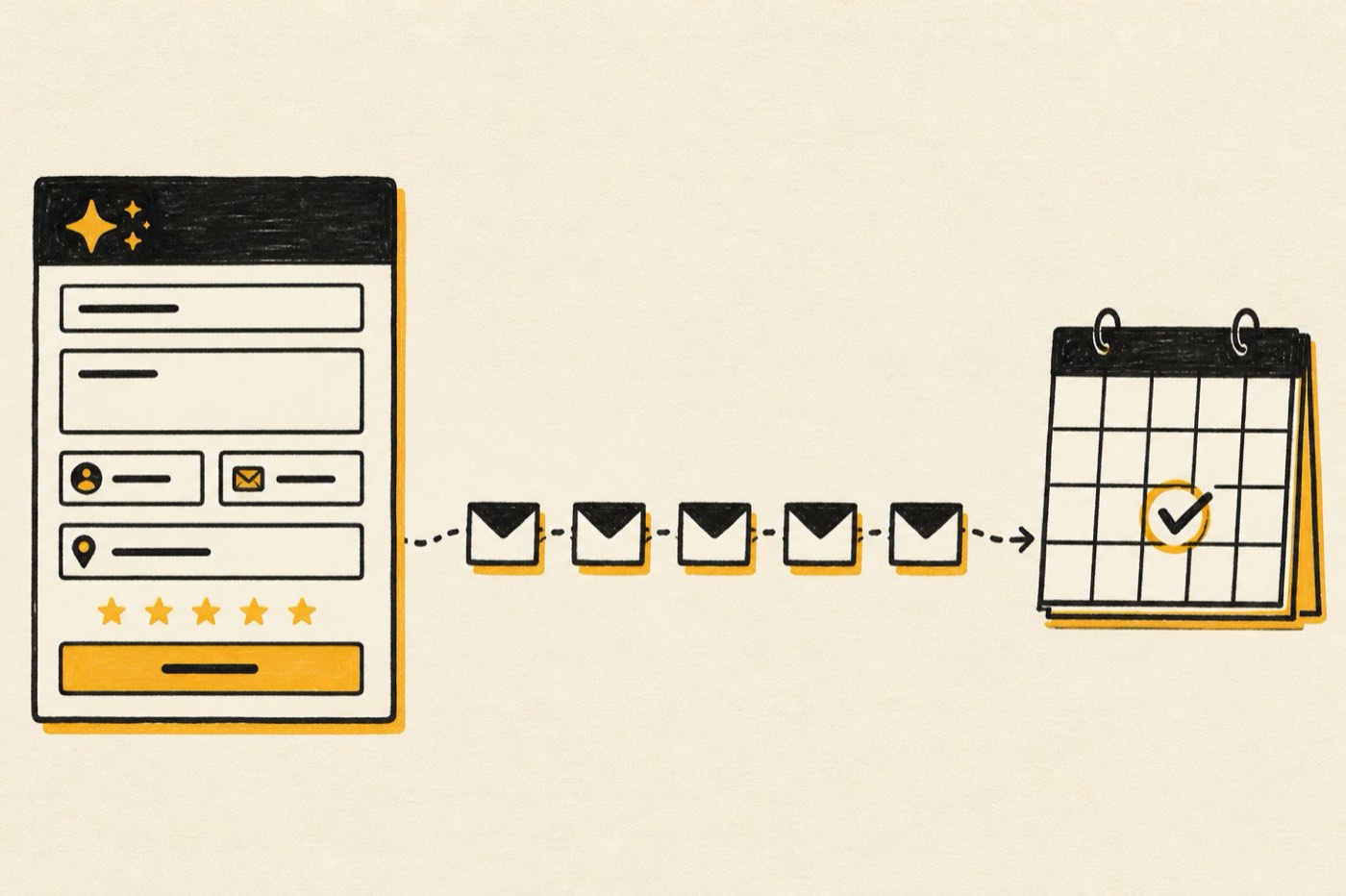
Friction is everything the page asks the buyer to do, read, or decide before they can raise their hand. It's the easiest leak to find because it's visible. You can literally count it.
The form is the faucet
Every field on your demo form is a small toll. Some tolls are worth charging. Most aren't.
Nielsen Norman Group puts it bluntly in their form usability guidelines: every time you cut a field, you raise the conversion rate. They also cite a CHI study where people were almost twice as likely to submit a form without errors on the first try when it followed basic usability guidelines (78% versus 42%). That's not a SaaS stat, it's a human one, which is exactly why it travels.
Here's my working rule for a demo form: ask only for what your sales team needs to run a good first call, and nothing they could look up.
- Keep: work email, name, company (or let enrichment fill it), and one qualifying question that actually changes the call (team size, current tool, or use case).
- Cut or enrich: phone (make it optional unless you truly call), job title, industry, country, revenue, "how did you hear about us" (move it to the confirmation page or the first call).
- Never: a required free-text box asking them to "describe your needs." That's homework, and buyers don't do homework for strangers.
Friction hiding outside the form
The form gets all the blame, but plenty of friction lives around it:
- Distance to the ask. If the demo button is three scrolls deep on mobile, that's friction. The ask should be visible on load and repeated after each proof section.
- Competing exits. A full site nav, a chat widget, a newsletter popup and a cookie banner all fighting for the same thumb. On a dedicated demo page, trim the nav and kill anything that isn't helping the decision.
- Speed. A demo page that takes ages to load on a phone is a door that sticks. Nobody writes a complaint about it. They just leave.
- Scheduling ping-pong. "Someone will reach out within 1–2 business days" is friction disguised as courtesy. If you can, let qualified buyers pick a time right on the page.
(The drip under the sink: small, constant, and costing you every single day.)
Leak 2: doubt (the stain on the ceiling)
Doubt is sneakier. The page might be frictionless and still lose people, because the buyer has a question you didn't answer and the cheapest way to resolve a question is to not fill out the form.
Doubt is the water stain on the ceiling. By the time you see it, the leak has been running for a while somewhere you weren't looking.
The five questions every demo page has to answer
When a buyer is hovering over "Book a demo," they're running a quiet risk calculation. I've found it almost always comes down to five questions:
- What exactly happens on this call? Length, who's on it, whether they'll see the product or slides.
- Is this for someone like me? Company size, industry, role, current tool.
- Roughly what does it cost? Not a full price sheet, but enough to know they're not wildly off.
- Has this worked for anyone I'd trust? Proof from a company that looks like theirs.
- What if I'm not ready? Can they look around first without getting hounded?
Write each answer on the page, in the buyer's words, near the button. You'll be surprised how often the answer already exists somewhere on your site and simply isn't where the decision happens.
"What happens next" is the most underrated block on the page
If I could add only one thing to most demo pages, it would be a three-step "here's what happens" block right next to the form:
- You pick a time that works (or we email you within the hour to set one).
- A 30-minute call with a product specialist, not a cold-calling SDR. We'll show the parts that matter for your team.
- You get a recap and pricing that fits your setup. No pressure to decide on the call.
That's it. Three lines. It answers question one directly and quietly answers question five. The buyer stops picturing an ambush.
Proof that sits next to the ask
Logos are wallpaper. The proof that dissolves doubt is specific and adjacent: one short quote or result from a customer who looks like the reader, placed right beside the form, not on a separate case-study page they'll never click.
For what it's worth, the line on our own site I'd want next to any form is a client review that says more in eight words than most testimonials say in eighty: "I don't manage Cultre. That's the whole review." (Kevin Wendland, President, Adora POS.) Short, specific, and it answers the exact worry a buyer has about hiring an agency. Find the equivalent sentence for your product.
Price silence is a doubt multiplier
Enterprise pricing is complicated, I know. But "Contact us for pricing" next to "Book a demo" tells a cautious buyer the number is scary. You don't need a full price table. A "plans start at" line, a typical range, or "priced per location" gives them enough to self-qualify, and the people who book will have already made peace with the ballpark.
Leak 3: dead ends (the pipe that runs to nowhere)
This is the leak almost nobody audits, because it happens off the page. A dead end is any point where an interested buyer has nowhere useful to go.
There are two kinds.
The post-submit dead end
The buyer filled out the form. Congratulations. Now they see "Thanks! We'll be in touch." and a stock photo of a handshake.
That moment is the warmest a lead will ever be, and most pages waste it. A good post-submit experience does at least one of these:
- Books the meeting immediately with an embedded scheduler for qualified leads.
- Sets expectations with a name, a face and a timeframe ("Sam from our team will email you in the next hour").
- Gives them something to do: a 3-minute product walkthrough, the one case study closest to their industry, or a short prep question that makes the call better.
Then the email that follows has to actually arrive, actually get opened, and actually move them toward the call. That's its own craft, and I've written about it separately in the demo nurture sequence that gets opened, which walks through a sequence with a 71.6% open rate.
The not-ready-yet dead end
The other dead end is for the buyer who isn't ready to talk to sales. If "Book a demo" is the only door, they leave and you never hear from them again.
Give them a smaller door: a recorded demo, an interactive product tour, a pricing guide, or a comparison page. Each one is a way to say "not yet" without saying "no." Make sure each smaller door leads back to the big one.
(A pipe that runs to nowhere doesn't just waste water. It soaks the walls, and you find out months later.)
The three-leak scorecard
Here's the checklist I run on every demo request page teardown. Score each line 0 (missing or broken), 1 (partly there) or 2 (done well). Be honest; nobody's grading you but your pipeline.
| # | Leak | Check | Score (0–2) |
|---|---|---|---|
| 1 | Friction | The demo ask is visible on load, on mobile, without scrolling | |
| 2 | Friction | The form has five fields or fewer, with optional fields clearly marked | |
| 3 | Friction | No required field asks for something you could enrich or look up | |
| 4 | Friction | The page loads fast on a phone over cellular (test it, don't assume) | |
| 5 | Friction | Competing exits (full nav, popups, unrelated links) are trimmed | |
| 6 | Friction | Qualified buyers can pick a meeting time without waiting for an email | |
| 7 | Doubt | The page says what happens on the call: length, who, what they'll see | |
| 8 | Doubt | The page says who it's for (size, role, use case) in plain words | |
| 9 | Doubt | There's a pricing signal: a starting point, a range or a pricing model | |
| 10 | Doubt | Specific proof from a similar customer sits next to the form | |
| 11 | Doubt | The headline repeats the promise of the ad or link that sent them | |
| 12 | Doubt | Privacy and "no spam" reassurance is short and near the button | |
| 13 | Dead ends | After submit, the buyer can book a time or knows exactly who'll reach out and when | |
| 14 | Dead ends | The confirmation page gives them something useful to do next | |
| 15 | Dead ends | A follow-up email lands within minutes and is written by a human-sounding person | |
| 16 | Dead ends | Not-ready buyers have a smaller door (recorded demo, tour, pricing guide) | |
| 17 | Dead ends | Every lead is tracked from source to booked meeting to closed deal in your CRM | |
| 18 | Dead ends | Someone reviews no-shows and unbooked leads every week |
How to read your score:
- Add up each leak separately. Each has six lines, so 12 possible points.
- The lowest of the three is your first fix. Don't spread effort evenly. A plumber doesn't patch every pipe a little; they fix the one that's flooding.
- If all three are above 9, your page isn't the bottleneck. Look upstream at traffic quality and intent.
Run it on your own page first, then on two competitors. The gaps you see in theirs will make the gaps in yours obvious.
How to run the teardown in an afternoon
You don't need a three-month CRO program to fix the biggest leak. You need one honest afternoon.
- Open the page on your phone, on cellular, as a stranger. Not on your office Wi-Fi with the CMS logged in. Time how long it takes to see the ask.
- Fill out your own form. Use a personal email. Note every field you hesitated on.
- Wait. See what arrives, when, and from whom. Many founders are shocked by this step.
- Read your last 20 demo requests and last 20 closed deals. What did those buyers ask on the first call? Those questions are your doubt list.
- Score the 18 lines. Circle the lowest leak.
- Make one change, and measure booked meetings for two to four weeks. Not form fills. Booked, held meetings.
That last step matters more than it looks. A shorter form will almost always increase submissions. The question is whether it increases good conversations. If you add a scheduler and form fills drop but held meetings rise, you won.
What I've learned from fixing these for a living
I've built more than 50 websites, and demo pages are where the craft shows. When demo requests for Adora POS, a client of ours for seven years, grew 875%, nobody should mistake that for one button color. Growth like that comes from treating the page, the traffic and the follow-up as one system, and finding the next leak every time you fix the last one.
The same pattern shows up on simpler sites too. After one site relaunch, contact-form submissions went up 133%. The lesson I took from both: buyers rarely tell you why they didn't convert. They just leave a stain on the ceiling and let you find it.
Woodworkers have a saying, "measure twice, cut once." Demo pages need the opposite habit at first: measure once, then cut. Cut fields, cut exits, cut the silence after submit. Then measure again.
Where demo pages fit in the bigger system
A demo page is the hinge between your marketing and your sales team. That means it touches almost everything else:
- Upstream: the ad, search result or AI answer that sent the visitor. If ChatGPT or Perplexity is recommending you, the page has to match what they said. My guide to getting your SaaS recommended by ChatGPT covers that side.
- Downstream: the nurture sequence, the speed of the first reply, and the CRM data that tells your ad platforms which leads actually turned into revenue.
That last link is the one most teams miss. If Google Ads only sees form fills, it will happily buy you more of the cheapest form fills. If it sees which demos turned into pipeline, it bids for more of those. The page and the bidding strategy are the same conversation.
Want a second set of eyes on your page?
If you run the scorecard and can't tell which leak to fix first, I'm happy to look at it with you. Book a 30-minute call and we'll tear down your demo page together, live, and you'll leave with the one fix I'd make first.
Here's to fewer stains on the ceiling and more buyers who make it all the way to "see you Tuesday." 🍻
Questions people ask next.
How many fields should a SaaS demo request form have?
Usually three to five. Ask for work email, name, company and one qualifying question that changes how your team runs the call. Anything you can enrich from the email domain or ask on the call should come off the form. Test shorter forms against booked meetings, not just submissions.
Should I show pricing on my demo request page?
Give a pricing signal even if you can't show a full table. A "plans start at" line, a typical range or a clear pricing model helps buyers self-qualify. Price silence tends to read as "expensive" to cautious buyers, and the ones who still book are better prepared for the conversation.
Is an embedded scheduler better than a form?
For qualified buyers, usually yes, because it closes the gap between interest and a booked meeting. Many teams use a short form first, then show a scheduler only to leads that match their ideal customer. That keeps sales calendars clean while removing the waiting game for the buyers who matter most.
What should I measure to know if my demo page is working?
Measure held demo meetings and the pipeline they create, by traffic source. Form submissions are an early signal, but they can rise while quality falls. Track the full path from source to form to meeting to closed deal in your CRM so you can see which changes created real pipeline.
How often should I audit my demo page?
Run the full three-leak scorecard once a quarter and after any major change to your ads, pricing or positioning. In between, check the post-submit experience monthly by filling out your own form. Dead ends are the leak that drifts most quietly over time.
Founder of Cultre in Redding, California. Fifteen years building marketing for software companies and local businesses, and the one who'll be on your call.
Alex